Free setup guide
Every Creative Model, One Connector
Plug Claude into every top creative AI model at once, Seedance, Kling, Veo, GPT Image, Nano Banana, Suno, ElevenLabs, and generate video, images, music and voiceovers just by asking. One key, no stack of subscriptions, pay only for what you make.
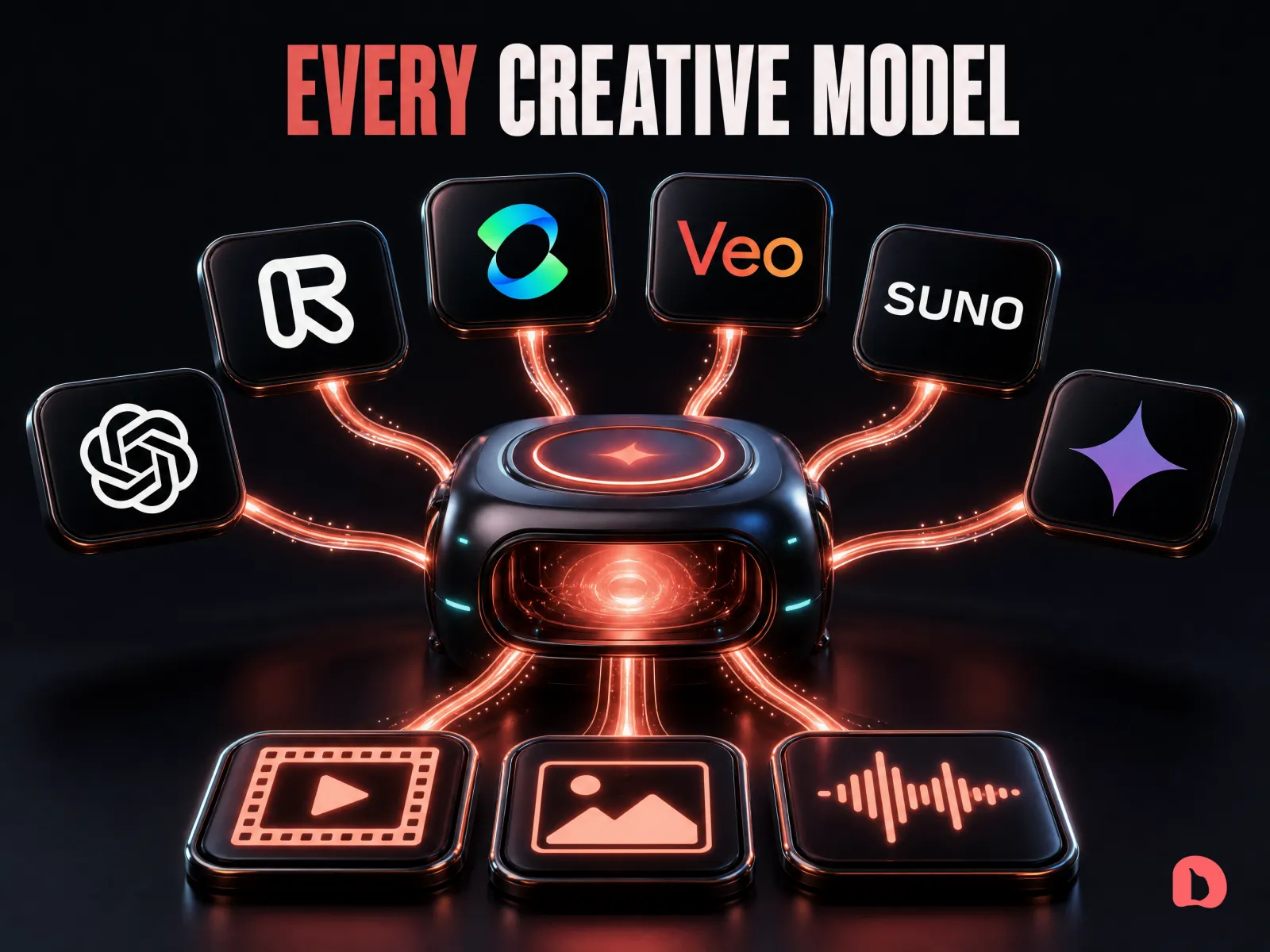
One connector, every model
Add it once and Claude can reach around a hundred models on kie.ai, image, video, music, voice, Seedance, GPT Image, Suno and whatever ships next. No new app per model, no tab-switching.
Just ask, and it makes it
Say generate a UGC video of this bottle, make an infographic, or read this line in my voice, and it picks the model, writes the prompt, and drops the finished file for you. Before anything runs, it tells you the price in dollars and waits for your go. The bonus skill does the thinking.
Stop renting a stack of subscriptions
Kill the pile of monthly plans. You pay per generation instead, through one pipe you own. When a better model drops, you just call it, nothing to rewire.
What's inside
- The one connector, added in about two minutes, three ways: drag-and-drop for Claude Desktop, a settings form for Codex, one command for Claude Code
- Your kie.ai key, the single thing that powers it, in three clicks
- The bonus Generate Anything skill, so a plain sentence turns into a finished image, video, track, or voiceover
- The built-in price check: every generation quoted in dollars before it runs, straight from kie.ai's live pricing, so there are never surprise charges
- The reaches most people never find: talking avatars, 4K upscales, background removal, one sentence each
- The exact simple prompts to say, copy and paste
- Why Claude Code is the power move: every file saves straight into your folder
Questions
Do I need to be technical?
No. For Claude Desktop it is drag-and-drop, no terminal at all. For Claude Code it is one command you paste. If you can install an app, you can do this.
Is it really free?
The connector and the skill are free and open source, yours to keep, and the code is public at github.com/mrdainami/kie-mcp. You pay kie.ai only for what you actually generate, per file, no monthly subscription. The kie.ai link on this page is an affiliate link, which costs you nothing extra.
Does it work in Claude Desktop and Claude Code?
Both. Desktop is the drag-and-drop install; Claude Code is the one-command install and it saves every generated file right into your project folder.
Does it work with Codex or ChatGPT?
Codex, yes. The same connector plugs into Codex through a settings form in the ChatGPT desktop app, and the free skill installs there with one pasted sentence. Regular ChatGPT chat can't use it, because chat conversations only connect to servers hosted online and this one runs on your computer.
What can it actually make?
Images, diagrams, UGC and product videos, b-roll, music, voiceovers, talking avatars, even 4K upscales, through around a hundred models on kie.ai. The examples on this page were all made with it.
How do I know what a generation will cost?
The skill tells you before every single one — the model and the price in credits and dollars, like Seedance 2.0 Mini, ~102 credits, about $0.51 — and waits for your go. It reads live pricing from kie.ai, so the number is always current, and nothing is billed until you say yes. You can also just ask what something would cost without generating it.