Free setup guide
Product Demos On Demand
Claude learns your product, clicks through it in your real browser while Supademo records, then cuts the junk, writes the hotspots, adds zooms and a voiceover. You press record and stop. This page sets the whole thing up.
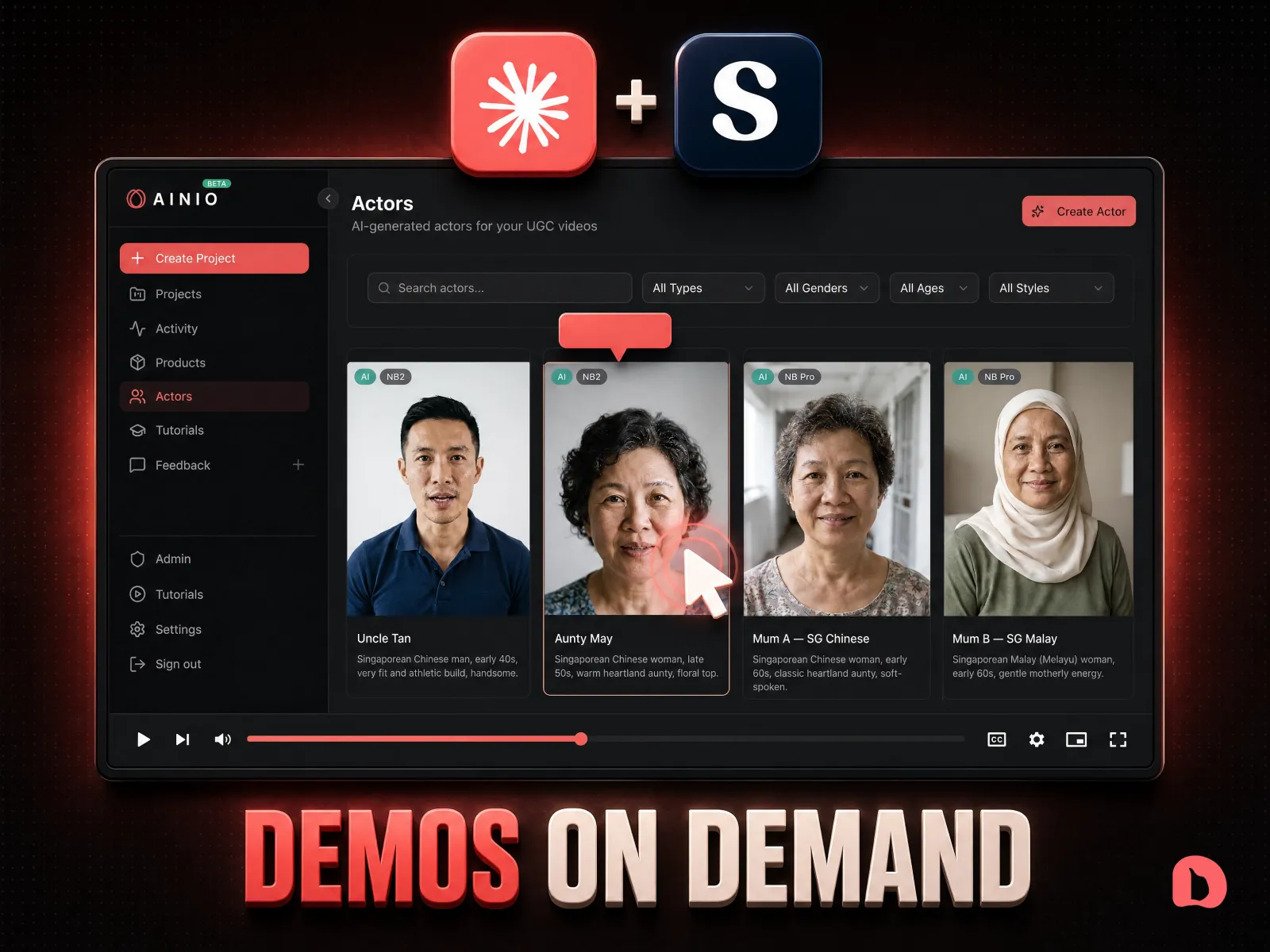
Your product demos itself
Claude explores your app, plans the click path, then drives every click in your actual browser while the recorder runs. The output is an interactive walkthrough people click through, not a video they skip.
Edited and voiced for you
The same run cuts the junk steps, rewrites every hotspot benefit-first, adds zooms on the key moments, and generates the voiceover. Recording to polished demo, one command.
Send it anywhere, see who watched
Share the demo as a link or embed it on any page. Supademo shows you who opened it and which step they stopped on, so you follow up with the warm ones.
What's inside
- The free demo-engine Claude Skill, download it and drop it into your Claude
- The Supademo MCP connector URL and the exact clicks to add it to Claude
- The five setup steps, from accounts to your first recorded demo
- The one command to type, and what Claude does at each phase of the run
- Your entire job in the process: pressing record, and pressing stop
Questions
Do I need to be technical?
No. Every piece is click-to-install: two accounts, one connector URL pasted into Claude settings, one skill file uploaded. If you can install a Chrome extension, you can run this.
Does it work on my product?
If it is a web app you can log into in Chrome, yes. Claude explores it first and proposes the demo flow, so it works on products it has never seen.
Is Supademo free?
The free plan records and shares interactive demos, which is enough to see the magic. The AI voiceover and analytics live on paid plans, and the link on this page gets you started.
What does Claude actually do?
It explores your app, rehearses the exact click path, drives the clicks while the Supademo extension records, verifies the capture, then edits: cuts junk steps, rewrites hotspots, adds zooms and voiceover. You press record and stop.